
Computer Fundamentals
عن الدورة
Computer Fundamentals Training Course
Overview
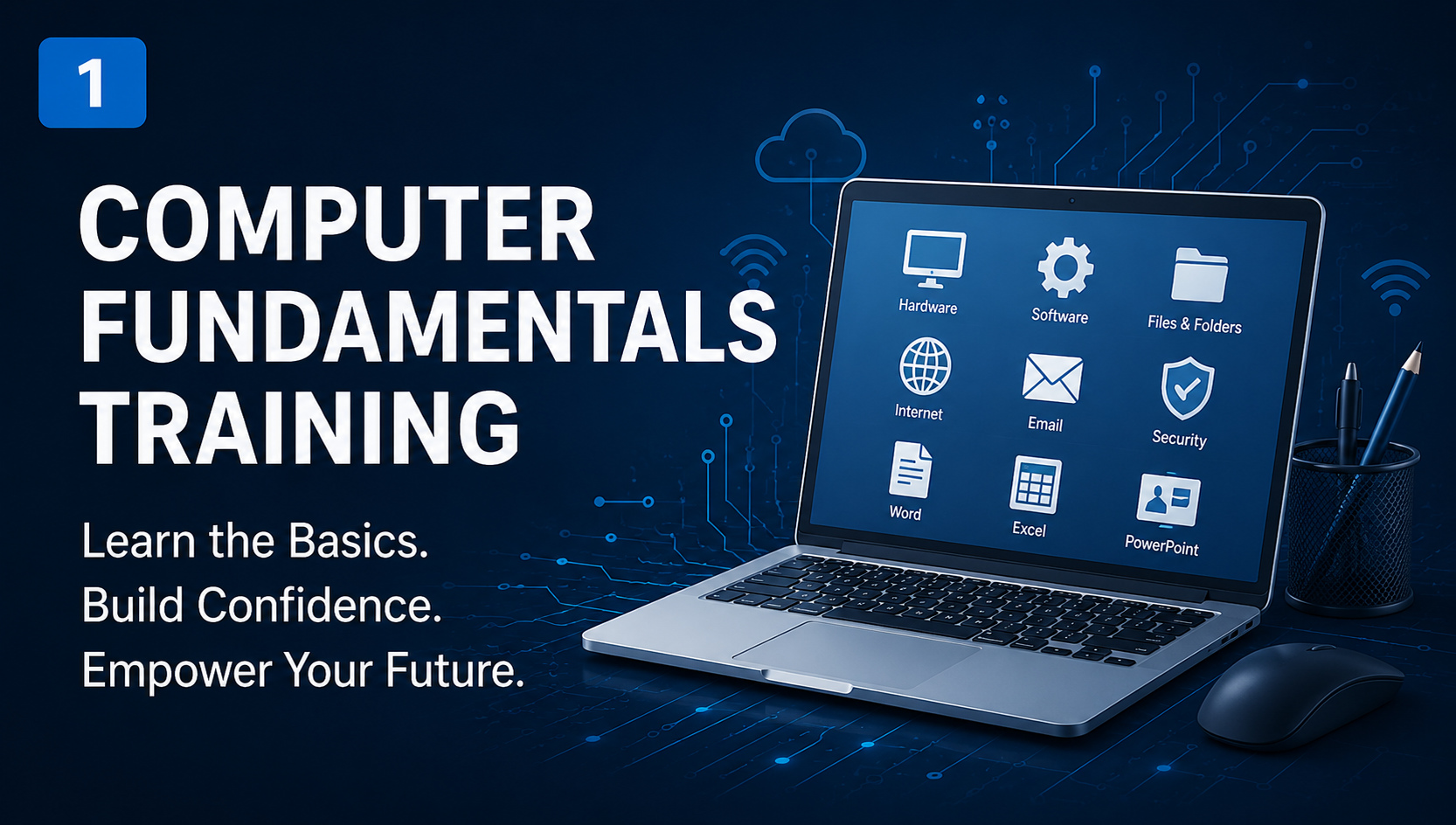
The Computer Fundamentals training course provides participants with the essential knowledge and practical skills required to understand computer systems, hardware components, software applications, operating systems, internet technologies, and digital productivity tools.
The course is designed for beginners and individuals seeking to build a strong foundation in information technology and computer usage. Through practical exercises and hands-on activities, participants will gain confidence in operating computers, managing files, using office applications, browsing the internet safely, and understanding basic cybersecurity concepts.
Training Objectives
By the end of this training, participants will be able to:
- Understand computer concepts and terminology.
- Identify hardware and software components.
- Operate Windows operating system efficiently.
- Create, organize, and manage files and folders.
- Use word processing applications.
- Create spreadsheets and perform basic calculations.
- Design professional presentations.
- Browse the internet effectively and safely.
- Communicate using email and online collaboration tools.
- Apply basic cybersecurity and digital safety practices.
- Understand cloud computing and online services.
Training Outline
Module 1: Introduction to Computers
- History of computers
- Types of computers
- Computer applications
- Basic IT concepts
- Data and information
- Computer terminology
Module 2: Computer Hardware
- Input devices
- Output devices
- Storage devices
- CPU and memory
- Motherboard components
- Peripheral devices
Module 3: Computer Software
- System software
- Application software
- Utility software
- Software installation
- Software licensing
Module 4: Operating Systems
- Introduction to operating systems
- Windows environment
- Desktop and taskbar
- File Explorer
- Settings and Control Panel
Module 5: File and Folder Management
- Creating files and folders
- Copying, moving, renaming, and deleting files
- File extensions
- Searching for files
- Backup fundamentals
Module 6: Microsoft Word Fundamentals
- Creating documents
- Text formatting
- Working with tables and images
- Page setup and layout
- Printing documents
Module 7: Microsoft Excel Fundamentals
- Worksheets and workbooks
- Data entry and formatting
- Basic formulas
- Functions
- Charts and reports
Module 8: Microsoft PowerPoint Fundamentals
- Creating presentations
- Slide design and formatting
- Images and multimedia
- Animations and transitions
- Delivering presentations
Module 9: Internet Fundamentals
- Internet concepts
- Web browsers
- Search engines
- Downloading and uploading files
- Online services
Module 10: Email and Communication Tools
- Email fundamentals
- Sending and receiving messages
- Attachments management
- Online meetings
- Collaboration tools
Module 11: Cybersecurity Fundamentals
- Cybersecurity concepts
- Password management
- Malware and viruses
- Safe internet practices
- Data protection basics
Module 12: Cloud Computing and Digital Services
- Introduction to cloud computing
- Google Drive
- OneDrive
- Cloud storage solutions
- Digital collaboration tools
Module 13: Practical Workshops
- Windows practical exercises
- Word project
- Excel project
- PowerPoint presentation project
- Internet and email practice
Module 14: Final Assessment
- Practical assessment
- Knowledge examination
- Case studies
- Final project presentation
Target Audience
- School students
- University students
- Administrative employees
- Job seekers
- Beginners in Information Technology
- Anyone wishing to improve their computer skills
تقييمات ومراجعات الطلاب